
Introduction

PM Surya Ghar applications get rejected for reasons that are almost always fixable, from Aadhaar-bill name mismatches and non-empanelled installers to sanctioned load limits and incomplete commissioning reports. This guide covers the 13 most common causes of PM Surya Ghar rejection, why each one happens at the portal or DISCOM stage, and the exact steps to correct and resubmit your application.

The scheme has already crossed 40 lakh rooftop installations, yet volume hasn't made the process foolproof. A February 2026 report citing government data found that close to 7% of applications are rejected outright, and a much larger share sit stuck waiting for approval. Most of that comes down to the same handful of avoidable errors, and once you know what they are, fixing them is fairly straightforward.

Why PM Surya Ghar applications get rejected?

PM Surya Ghar applications are usually rejected due to documentation errors, eligibility issues, installer non-compliance, banking mismatches, or technical approval problems. Most rejections are not permanent and can be resolved by correcting the identified issue and resubmitting the application.

PM Surya Ghar MNRE empanelled installer verification

Your installer isn't MNRE-empanelled

PM Surya Ghar ALMM panel compliance and rejection

Panels aren't on the ALMM list

PM Surya Ghar name mismatch across Aadhaar, bill and bank

Your name doesn't match across Aadhaar, electricity bill, and bank account

PM Surya Ghar wrong consumer number and application fix

Wrong consumer number entered

Pending electricity dues affecting PM Surya Ghar subsidy

Pending electricity dues on your account

PM Surya Ghar subsidy bank account Aadhaar linkage

Bank account not linked to Aadhaar

Wrong IFSC code affecting PM Surya Ghar subsidy

Incorrect IFSC code

PM Surya Ghar residential consumer category requirement

Wrong consumer category on your connection

PM Surya Ghar sanctioned load requirements for solar

System size exceeds your sanctioned load

Blurry photos causing PM Surya Ghar application rejection

Blurry photos or incomplete documentation

PM Surya Ghar joint property NOC requirement

Joint property without an NOC

PM Surya Ghar commissioning report mismatch and fix

Incomplete or mismatched commissioning report

PM Surya Ghar multiple electricity connections at one address

Multiple electricity connections at the same address

1. Your installer isn't MNRE-empanelled

Why it happened

Only vendors on the MNRE empanelment list for your specific DISCOM can submit a valid commissioning report, and without it, your subsidy can't move forward. This is the most common rejection reason on this list. Sometimes it's not deliberate, some installers assume they're "approved" after doing dozens of jobs locally, without realizing their registration lapsed or was never completed. Others get picked purely on price, and empanelment never comes up until the application stalls.

How to fix it

Before signing anything, check the vendor list on pmsuryaghar.gov.in for your state and DISCOM. If you've already installed with a non-empanelled vendor, either have them complete empanelment (a few weeks, sometimes longer) or bring in an empanelled vendor to verify the installation and file the commissioning report.

Keep in mind: if the same installer also used non-approved panels, you may need a reinstallation, not just a paperwork fix.

2. Panels aren't on the ALMM list

Why it happened

Every solar panel installed under PM Surya Ghar must appear on MNRE's Approved List of Models and Manufacturers (ALMM). The inspection engineer checks panel make and model against this list before approving your commissioning report. The issue usually starts quietly, a cheaper, non-listed panel gets swapped in between the quote and the installation, often without the homeowner knowing.

How to fix it

If your installed panels genuinely aren't ALMM-listed, the only fix is replacing them and resubmitting documentation. If your panels are compliant but the portal shows the wrong model number, your installer just needs to correct the listing.

Protect yourself upfront: get the exact panel make and model in writing before signing, and verify it against the MNRE ALMM database yourself.

3. Your name doesn't match across Aadhaar, bill, and bank account

Why it happened

The portal cross-checks your name across three records, Aadhaar, electricity bill, and bank account, character for character. "Ramesh Kumar" vs "R. Kumar" is enough to trigger rejection. The mismatch often predates your application entirely, an old connection under a slightly different spelling, or a bank account still carrying a maiden name.

How to fix it

Correct whichever record is inconsistent. A DISCOM name correction needs a written request with Aadhaar as proof, and takes one to four weeks depending on the DISCOM. A bank account correction is usually quicker at your branch.

Best practice: check all three names side by side before applying, not after rejection.

4. Wrong consumer number entered

Why it happened

People often enter their meter number, printed on the physical meter box, instead of their consumer number, the account identifier on the bill. The portal verifies against the consumer number only, so this mix-up fails DISCOM verification almost instantly.

How to fix it

Find your consumer number (10-12 digits, top section of your latest bill) and resubmit with the correct value. No DISCOM visit, no supporting documents, just a careful re-entry.

5. Pending electricity dues on your account

Why it happened

DISCOMs check your payment history before clearing a subsidy application. Outstanding arrears, even a small, forgotten amount, are enough to stall or reject the feasibility review.

How to fix it

Clear any outstanding balance and, where possible, get a no-dues certificate from your DISCOM (office or online portal). Resubmit once your account shows a zero balance, with the certificate attached.

6. Bank account not linked to Aadhaar

Why it happened

Your subsidy is transferred via Direct Benefit Transfer, which requires your bank account to be Aadhaar-seeded. Without that linkage, payment fails at disbursement, even if the rest of your application cleared. This is separate from Reason 3: your name can match everywhere and DBT can still fail if the technical seeding was never done.

How to fix it

Check your linkage status at your bank branch, through the NPCI mapper, or often directly in your banking app. If unlinked, submit an Aadhaar-seeding request, usually processed within a few working days. Fixing the seeding alone is often enough, no fresh application needed.

By now, you've probably noticed the pattern that many PM Surya Ghar application rejections have little to do with the solar system itself. Instead, they often stem from eligibility checks, documentation, installer compliance or banking details. Understanding how these pieces fit together can make it much easier to identify and resolve issues before moving on to the remaining checks.

Explore the complete PM Surya Ghar process, from eligibility and registration to subsidy approval

7. Incorrect IFSC code

Why it happened

The DBT system validates your bank details against your IFSC code, so an error here blocks the transfer entirely. This usually comes from a typo, or from pulling the code off an outdated third-party source. IFSC codes can change when banks merge or restructure branches.

How to fix it

Get the correct code from your bank's official website or a physical cheque book, not a search result. Update it and resubmit.

8. Wrong consumer category on your connection

Why it happened

PM Surya Ghar is for residential connections only. If your DISCOM records show your connection as commercial, industrial, or agricultural, even if the premises is genuinely residential, you won't qualify. Check your bill: it should read "LT-1 Domestic" or "Residential," not "Commercial" or "LT-3."

How to fix it

If it's a genuine error, apply at your DISCOM to correct the category, a fairly routine request. If you're actually running a business from the premises, PM Surya Ghar isn't the right scheme, separate schemes exist for commercial and industrial solar.

9. System size exceeds your sanctioned load

Why it happened

DISCOMs won't approve a solar system larger than your connection's sanctioned load. A 5 kW system on a 2 kW sanctioned load, for example, exceeds what's cleared, and the feasibility check flags it. This often comes from sizing up for bigger long-term savings without checking what the connection actually supports.

How to fix it

Your sanctioned load is on your bill, in kW or kVA. If your system exceeds it, either apply for a load enhancement before or alongside your application (two to four weeks, plus an inspection fee), or scale the system down. Resolve this before installation, not after.

10. Blurry photos or incomplete documentation

Why it happened

The portal has specific requirements for photos and documents in your commissioning report. Blurry roof photos, unclear ID proof, missing nameplate images, or wrong file formats can all stall an otherwise valid application, since an unreadable document is treated the same as a missing one.

How to fix it

Take photos in daylight, at a resolution that clearly shows serial numbers and installation details, and ensure every document (ownership proof, ID, consent forms) is complete and legible before upload. A good installer handles this as standard, if photo quality keeps coming up, question how your installer documents each stage.

11. Joint property without an NOC

Why it happened

If a property has more than one legal owner, through inheritance or joint ownership, all co-owners must formally consent to the installation and subsidy application. Without that consent on record, rejection happens purely on ownership grounds, regardless of how strong the rest of your paperwork is. This comes up often with older family homes where ownership was never formally split.

How to fix it

Get a notarized No Objection Certificate (NOC) signed by every co-owner. Most installers or local notaries can provide a template. Attach it to your resubmission, this typically clears the ownership check going forward.

12. Incomplete or mismatched commissioning report

Why it happened

Your installer files the commissioning report, but it's your subsidy at stake if it's done poorly, missing fields, a system size that doesn't match what was actually installed, or the wrong form version. This is one of the few rejection reasons almost entirely outside your control.

How to fix it

The correction sits with your installer, who needs to resubmit accurate, matching details. If they're unresponsive, escalate to the MNRE helpline at 1800-180-3333, most cases resolve once there's pressure from that direction.

13. Multiple electricity connections at the same address

Why it happened

The scheme allows one subsidy per household. Properties with more than one connection at the same address, common in multi-storey homes with separate meters per floor, can get flagged as duplicate applications, even when they're genuinely separate households.

How to fix it

If the connections serve separate households, provide distinct address proof for each (different house or sub-unit numbers). If both serve one household, pick a single connection to apply under. When unsure, the PM Surya Ghar helpdesk can clarify which path applies.

Most PM Surya Ghar rejections trace back to the same handful of gaps: a name that doesn't match across Aadhaar, bill, and bank account, an installer or panel that isn't on the approved list, a sanctioned load that doesn't match your system size, or a document that's missing, blurry, or incomplete. None of these need to happen if the right checks are done before installation starts, not after a rejection notice shows up. That's exactly where working with an experienced, empanelled installer makes the difference, someone who catches these gaps before they become your problem.

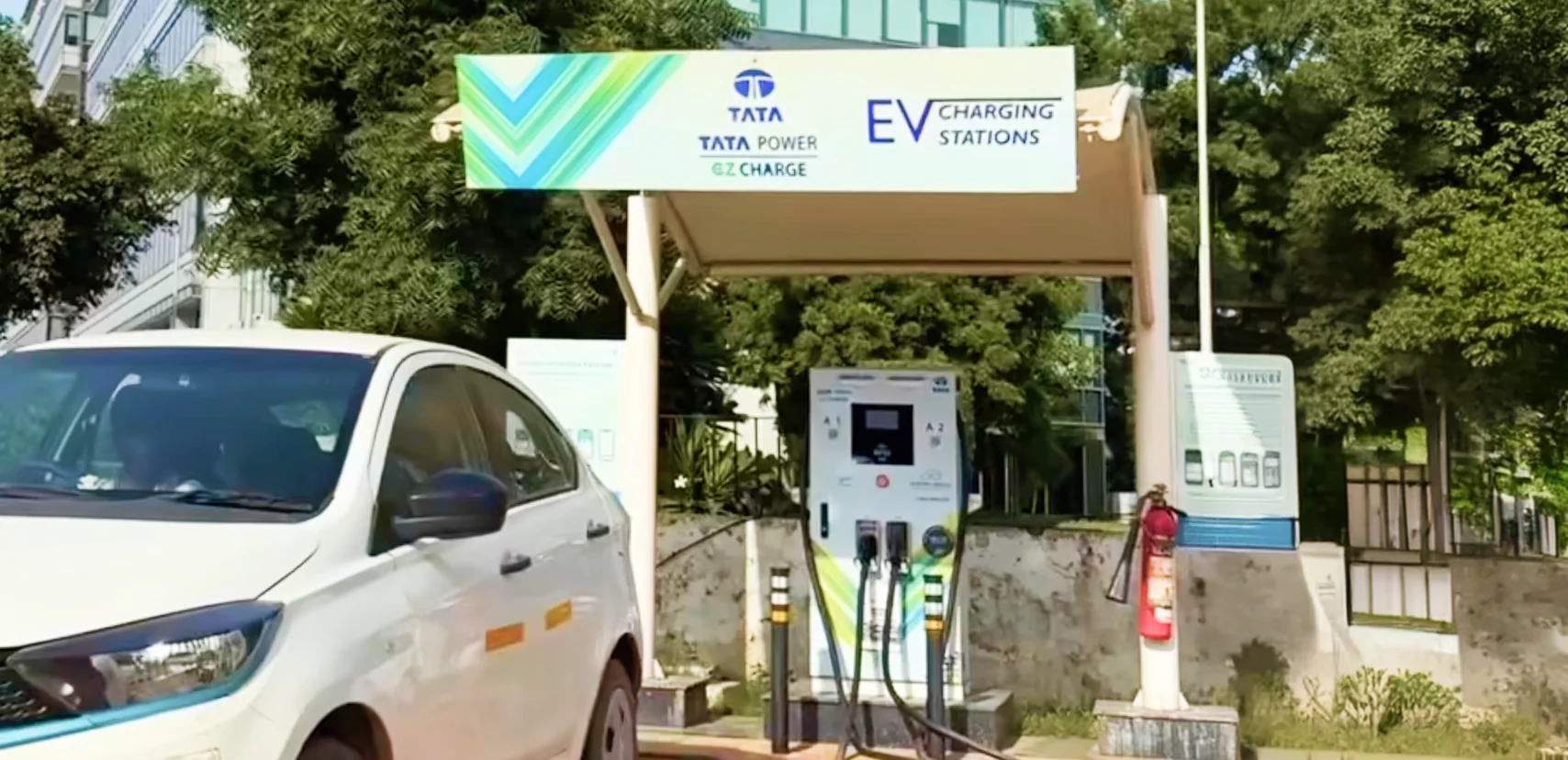
Skip the rejections. Go solar the right way

From choosing an empanelled installer to managing documentation, Tata Power helps you get every step right from the start

Bottomline

Barring the panel and installer issues, none of these rejections are permanent. Most need a corrected document, a matching name, or a load enhancement, not a fresh application. The portal isn't penalizing you for reapplying, it just wants the flagged issue fixed.

The real time-saver is running these checks before your installer shows up: empanelment, ALMM listings, name matching, sanctioned load. It takes under an hour and saves weeks later, and it's a habit worth building regardless of how the scheme evolves. MNRE is already exploring PM Surya Ghar 2.0, reportedly bringing battery storage and shared rooftop solar into the fold for households that can't currently access the scheme. If that expansion goes through, the same fundamentals, correct documentation, the right installer, equipment that's actually approved, will matter just as much for whatever comes next.

Frequently asked questions

The frequently asked questions section is a reliable source for unlocking answers to some of the most crucial inquiries. Please refer to this section for any queries you may have.


Yes, you can usually reapply or resubmit your PM Surya Ghar application after correcting the issue that caused the rejection. The exact process depends on the rejection reason and the stage at which your application was rejected. Review the rejection remarks, make the necessary corrections and follow the portal or DISCOM instructions for resubmission.


To fix a rejected PM Surya Ghar application, identify the rejection reason and correct the specific issue before resubmitting. Depending on the problem, you may need to update your documents, correct your bank details, resolve name mismatches, enhance your sanctioned load, or work with an MNRE-empanelled installer. Once the issue is addressed, you can proceed with the resubmission process as instructed.


The documents required for PM Surya Ghar subsidy typically include Aadhaar, a recent electricity bill, bank account details, proof of ownership and installation-related documents. Depending on your application, you may also need photographs of the installed system, a commissioning report and, in cases of jointly owned property, a No Objection Certificate (NOC). Requirements may vary slightly based on your DISCOM and application stage.

If you're unsure where the issue occurred, revisiting the complete application journey can help. Learn how to register, obtain DISCOM approval, choose an empanelled vendor and complete the subsidy process in our step-by-step guide: Apply for PM Surya Ghar Muft Bijli Yojana Online in 5 Steps


Yes, you can change your installer if your application was rejected due to installer-related issues. If your existing installer is not MNRE-empanelled, fails to complete the required documentation or does not respond to correction requests, switching to an eligible installer may help move your application forward. Ensure the new installer is empanelled with your DISCOM before proceeding.


No, reapplying does not automatically change your PM Surya Ghar subsidy amount. The subsidy is determined by the scheme's prevailing guidelines and the eligible capacity of your rooftop solar system, not by the number of times you apply. However, any future changes to government policy may affect applications submitted under revised rules.


Yes, you can usually view your application status and rejection remarks through the PM Surya Ghar portal. Log in to your account and check the application status section for updates or comments. If the reason is unclear, you can also contact your DISCOM or the scheme's support channels for further clarification.


In most cases, you will need to correct the identified issue rather than file a formal appeal. The appropriate next step depends on the stage of your application and the reason for rejection. If you believe your application was rejected incorrectly, contact your DISCOM or the PM Surya Ghar helpdesk to understand the available resolution process before submitting a fresh application.

*The information provided in this blog has been compiled from multiple sources, including official company websites and other publicly available open-source platforms, believed to be reliable at the time of publication. However, such information may change over time, may not always reflect the most current developments, and may become outdated.
This content is intended solely for general informational purposes and should not be construed as professional, technical, financial, or legal advice. Tata Power does not guarantee the accuracy, completeness, or reliability of the information presented and shall not be held responsible for any loss or damage arising from reliance on this content.
Readers are advised to independently verify information from relevant official sources and conduct their own due diligence before making any decisions based on the content of this blog.